 SK
Remote Monitoring
Your property, live in your pocket.
Watch every camera live, play back footage and get alerts the moment a person or vehicle is spotted, from your phone, PC or a screen on the wall, wherever you are.
What you can do
- Live view of one camera or all of them at once, on your phone, tablet or computer.
- Playback: jump to a time, or scroll through just the moments when something moved.
- Smart alerts for people and vehicles, with a snapshot, and quiet times so you're not woken by the postman.
- Save and share clips to send to the police or your insurer.
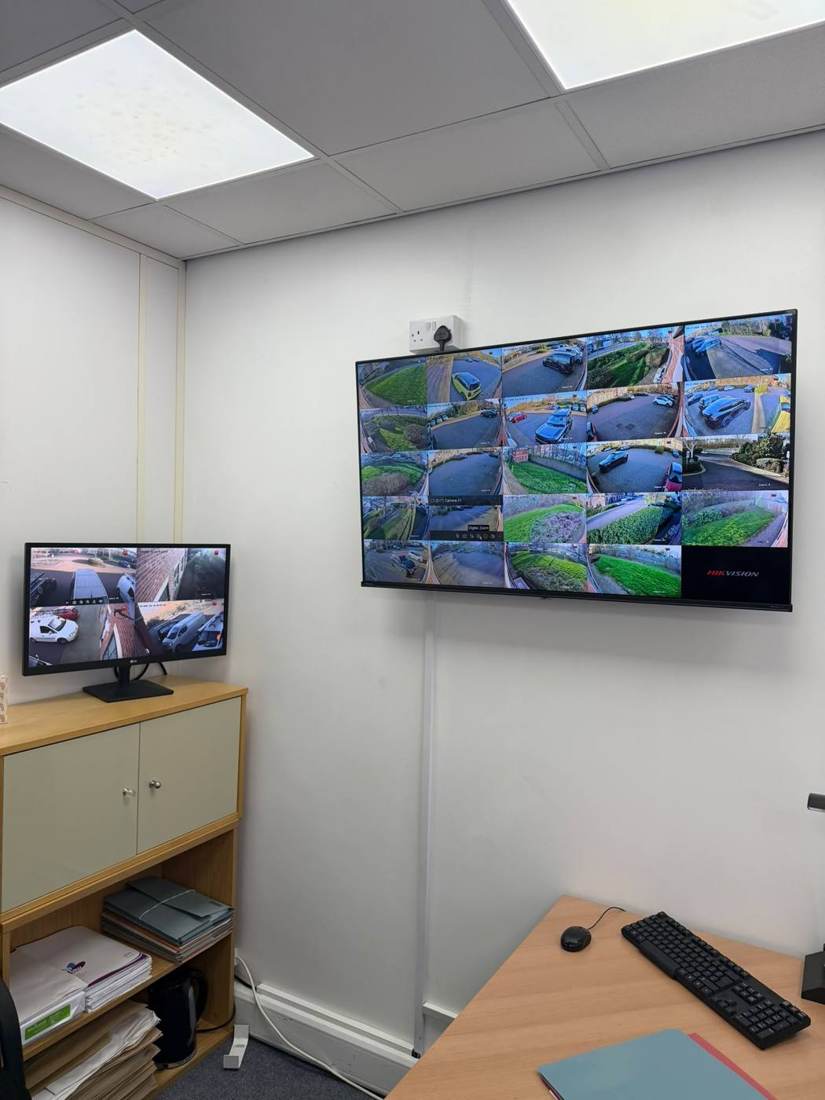
- Monitors on site: a wall screen in the office, behind the bar or in the kitchen showing every camera.
- Several sites in one app, so business owners can check every shop or unit from one place.
- Shared access for family or staff, each with their own login and permissions.
Set up properly
Secure, reliable remote viewing.
Strong passwords
No default passwords. Every recorder gets its own strong password and every user their own login.
Kept up to date
Recorder and camera firmware is updated at install, closing known security holes.
Works on modest broadband
Remote viewing uses a lower-resolution stream on your phone and switches to full detail when you need it, so a normal home connection copes.
On screen
Monitoring we've set up.
Questions
Monitoring questions.
Can you add remote viewing to my existing cameras?
Usually. Most modern recorders can be connected to the app. Older systems may need a new recorder, which can often work with your existing cameras.
Will it use a lot of mobile data?
Checking a camera now and then uses very little. Watching live for long periods uses more, so we set the phone stream to a sensible quality.
Can my staff see the cameras?
Yes, and you choose which cameras each person can see and whether they can play back footage.
Goes well with