 SK
Access Control
Decide who gets in, and when.
Keypads, fobs, cards and magnetic locks that replace keys you can't get back. Add or remove a person in seconds, set opening times, and see who came through each door.
What we fit
- Readers and keypads for proximity fobs, cards, PIN codes, or a combination for higher security.
- Magnetic locks and electric strikes to suit timber, aluminium and glass doors, and gates.
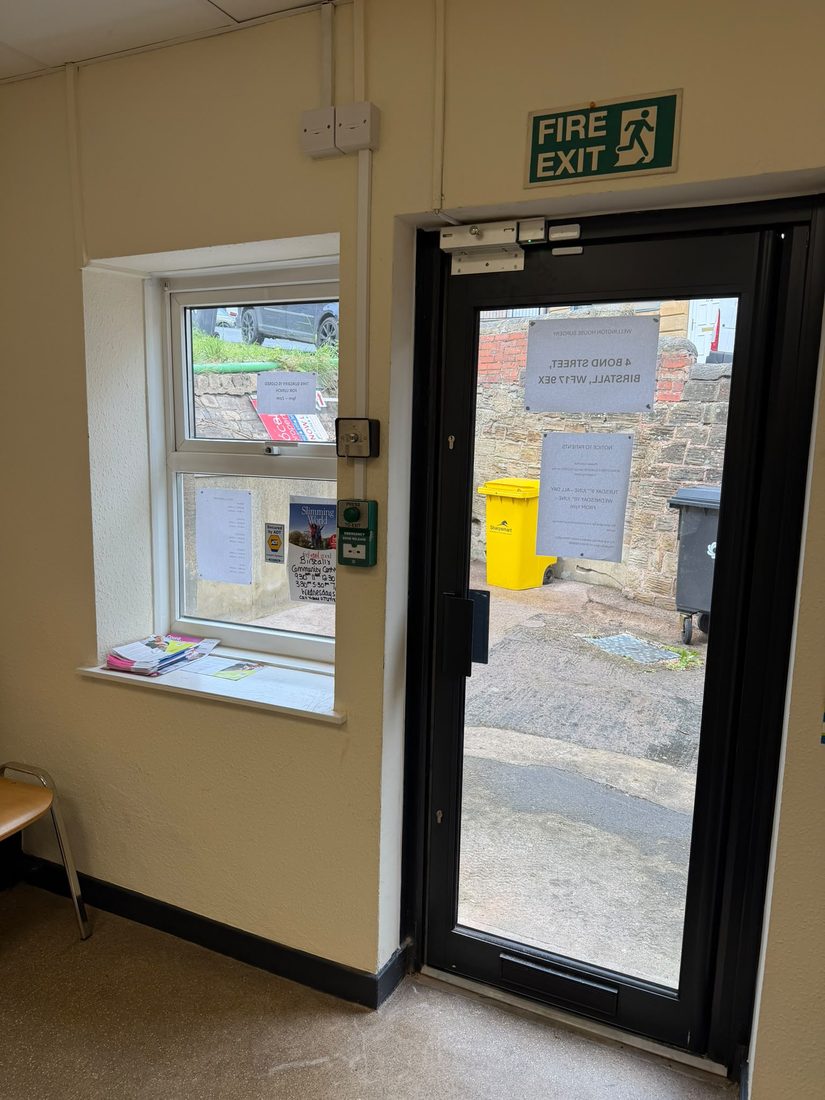
- Exit buttons so people leave easily without a fob.
- Green emergency door releases that free the door instantly if needed.
- Door entry with video: combine a reader with a video intercom so visitors can call and you can let them in remotely.
- Fire alarm link so doors release automatically when the fire alarm sounds.
Why switch from keys
Simpler, and far more secure.
Lost fob? Delete it.
A lost key means changing the locks. A lost fob is removed from the system in seconds and stops working straight away.
Opening times
Give cleaners access only on their days, staff during working hours, and managers any time.
Who came in
Networked systems keep a log of every door opening, so you know who was in the building and when.
One fob, every door
Front door, back door, gate and stockroom on one fob, each with its own permissions.
Standalone or networked
A single keypad on one door, or many doors managed together from software, sized to what you need.
Safe in an emergency
Locks are chosen to fail safe or fail secure as each door requires, with releases so no one is ever locked in.
Recent installs
Access control we've fitted.
Questions
Access control questions.
What happens in a power cut?
It depends on the door. Fire exits use fail-safe locks that release without power so nobody is trapped. Doors that must stay locked use fail-secure locks or a battery backup. We'll agree this door by door at the survey.
Can it work with my existing door?
Usually. We choose the lock to suit the door frame and material, and can add a door closer so it always shuts behind people.
Can I manage fobs myself?
Yes. We show you how to add and remove users, and on networked systems you can do it from a computer or app.
Is it suitable for flats and HMOs?
Yes. A shared entrance with a reader or keypad, combined with a video intercom to each flat, is one of the most common systems we fit.
Goes well with